
 11
11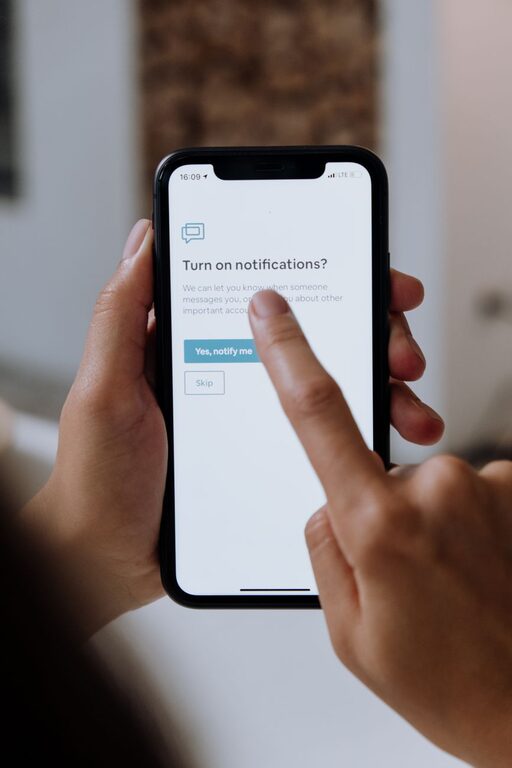
In today’s connected world, notifications are everywhere — on our phones, computers, tablets, and even smartwatches. While they can keep us informed and help us stay organized, constant notifications can also be overwhelming and disruptive. Setting clear boundaries with notifications is essential for maintaining focus, reducing stress, and improving your overall well-being.
In this post, we’ll explore practical tips for managing notifications effectively so you can regain control over your digital life.
Notifications are meant to be helpful, but when they become constant interruptions, they can:
– Reduce productivity and focus
– Increase stress and anxiety levels
– Interrupt important conversations or rest
– Create an unhealthy dependence on instant updates
By setting boundaries, you decide when and how you want to be interrupted, which helps balance staying connected with maintaining your peace of mind.
Before you can control notifications, it’s helpful to understand how they currently affect you.
– Take note of which apps send you the most notifications.
– Notice how often you check your device after a notification.
– Reflect on which notifications feel urgent and which could wait.
You might find that some alerts are unnecessary or that certain apps are the biggest distractions.
Most devices and apps let you customize notification preferences. Here’s how to tailor your settings:
– Keep notifications from essential apps like messaging, calendar, or work-related tools.
– Silence or turn off notifications from less important apps like social media or games.
– Enable Do Not Disturb during specific hours, such as during sleep or focused work periods.
– Customize exceptions so urgent calls or messages can come through if needed.
– Many devices offer a notification summary that collects non-urgent alerts and delivers them at set times.
– Grouping reduces the number of interruptions by bundling notifications together.
Having regular breaks from notifications helps you recharge and focus.
– Establish “quiet hours” when you completely silence your devices.
– Consider times like meals, workouts, family time, or before bed.
– Inform colleagues or friends about your offline hours to manage expectations.
Notifications don’t always need sound or vibration to get your attention.
– Turn off sound and vibration for non-urgent apps.
– Use visual cues like badges or banners instead.
– Choose subtle sounds that won’t startle or distract you.
Sometimes, the best way to reduce notification overload is to remove the temptation.
– Keep your phone out of immediate reach during work or study sessions.
– Use apps or built-in features to limit screen time or app usage.
– Set devices to silent and place them face down to reduce visual triggers.
Your needs and priorities may change, so make it a habit to:
– Review notification settings weekly or monthly.
– Remove unnecessary apps or disable their notifications altogether.
– Adjust Do Not Disturb schedules based on your lifestyle changes.
– Batch check notifications: Instead of reacting immediately, review all notifications at designated times.
– Use widgets or app previews: Some devices let you see updates without getting an alert.
– Communicate boundaries: Let people know your preferred contact times and channels to reduce pressure to respond instantly.
Notifications are a powerful tool when used wisely. By setting clear boundaries around when and how you receive alerts, you can protect your focus, lower stress, and create more space for meaningful moments offline. Experiment with these tips and find the balance that works best for you.
Remember: you control your notifications — don’t let them control you!